Copy a screenshot of your Mac display to the clipboard
Screenshots captures the whole display under your cursor and puts it on the clipboard as a PNG, ready to paste. It is a free tool in Phosphor for Mac, and Pro adds a privacy sweep.
Get Phosphor for Mac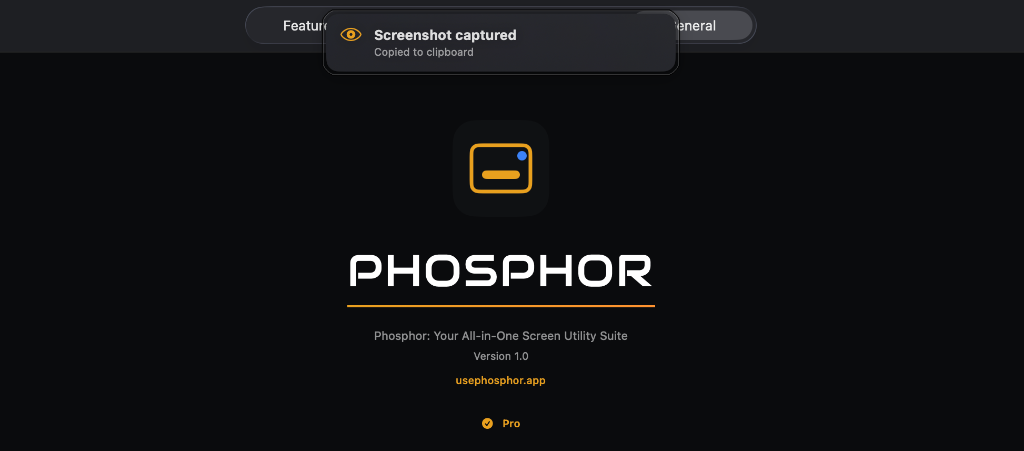
How to turn it on
Use the Screenshots button in the menu bar, or press the hotkey. There is no card toggle. When a capture succeeds you hear the system screenshot sound and see a banner that says Screenshot captured and Copied to clipboard.
What you can change
Nothing. Screenshots has no settings in the app. Every capture is the full display, goes to the clipboard, and is a PNG. Nothing is saved to disk, and there is no destination setting.
Hotkey
Control+Option+Command+S. It is fixed, so it cannot be changed in the app.
Permissions
Screen Recording.
Pro privacy sweep
Pro adds a privacy sweep that runs before the image is copied. It blurs every face it detects, and text that looks like an email address, a phone number or a password.
A phone number means 9 or more digits, with spaces, dots or dashes allowed. A password-like string is 8 or more characters with no spaces, with upper case, lower case and a digit. The sweep uses fast text recognition, so it can miss some. Check the result before you share it.
Good to know
- It captures one display, the one under the cursor, not all of them.
- It captures the full display only. There is no region or window capture.
- Screenshots are not available on macOS 14.0 to 14.3.
- macOS 13 or later is required.
Phosphor for Mac is free to download. Add Pro when you want it.
Download or get Pro